
Free Timer and Countdown Overlays
Timer overlays turn waiting into content: a starting soon countdown, a ten-second challenge, a giveaway deadline or a cooking video that needs a visible clock. They also add pace, because a ticking number tells the viewer something is about to happen.
Download a Community countdown, set the time and style in the browser and export it with a transparent background. Place it over your gameplay, webcam or footage.
Timers and countdowns
Timers and countdowns

Minimalist Kinetic Ring Countdown
26
Retro Mechanical Split-Flap Countdown
7
Volcanic Particle Countdown
6
Tactical Bomb Countdown Timer
5
Neo-Brutalist Split-Flap Countdown
1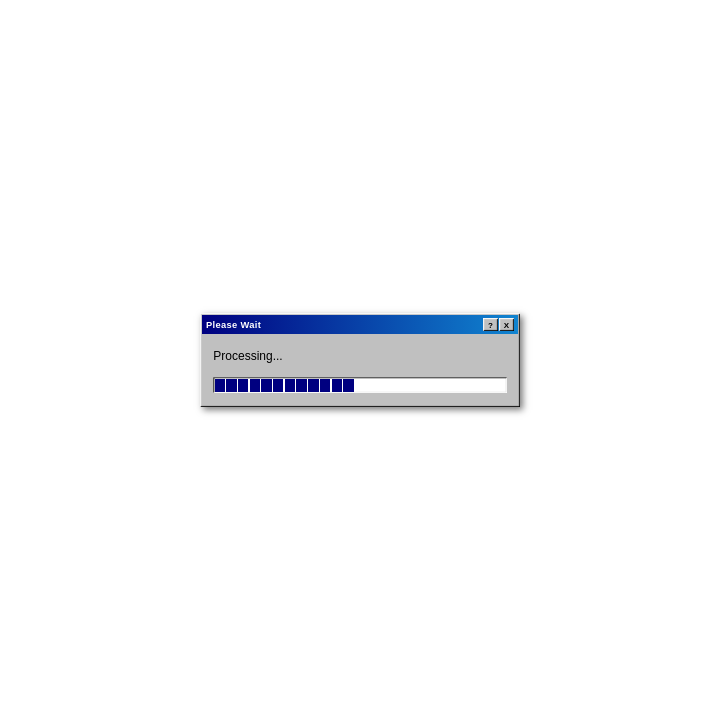
Windows 95 Retro Progress Bar Window
24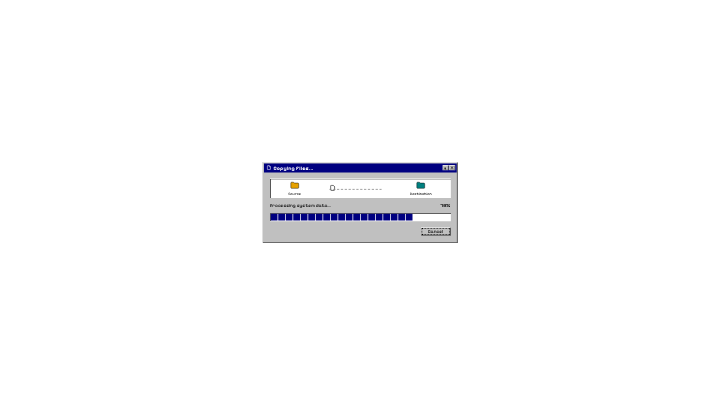
Win95 Retro Progress & Error Dialog
1Where timers help
- Starting soon and break screens on streams
- Challenge, workout and cooking videos
- Product launches and giveaway deadlines
- Short-form hooks that count down to a reveal
Mind the 10-second limit
Clips run up to 10 seconds. For a 5-minute break screen, build the long countdown with your stream software's own timer and use these animated clips for the final ten seconds, the part viewers actually watch.
Export
Export ProRes 4444 for Premiere Pro, DaVinci Resolve and Final Cut Pro, and WebM with alpha for OBS and the web. Transparent WebM can show glow or shadow artifacts in CapCut, so preview it there first.
Browse every category
- Free Subscribe Button Animations
- Free Like Button Animations
- Free Social Media Video Overlays
- Free Video Transitions
- Free Lower Third Animations
- Free Video Overlays
- Free Animated Video Backgrounds
- Free Text Animations
- Free Countdown Timer Animations
- Free Progress Bar Animations
- Free Notification Animations
- Free Logo Intro Animations
- Free Particle & VFX Animations
- Free Animated Frames & Borders
- Free Call-to-Action Animations
- Free Miscellaneous Video Assets
Explore more overlays and effects
- Video Overlays
- Video Effects
- WebM
- ProRes 4444
- AI Video Effects Generator
- AI Video Overlay Generator
- Overlays
- Subscribe Button Animations
- Motion Backgrounds
- Outro Animations
- Chromatic Aberration
- Logo Animation
- AI Animation Generator
- Intro Maker
- Stream Alerts
- Kinetic Typography
- VHS Overlay
- Loading Animations
- AI Video Generator
- Particle Overlays
- Glitch Effect
- Motion Graphics
- After Effects Template Alternative
- CapCut Effects
- TikTok Overlays
- Green Screen Effects
- Transparent Video
- Arrows and Callouts
- Magic & Sparkle Effects
- Light Leaks & Film Overlays
- Glitch Text Generator
- OBS Overlays
- Stream Overlays
- Starting Soon Screens
- Webcam Overlays
Frequently asked questions
Are the timers free?
+
A free account can download one Community asset per day with a watermark. Customising an editable timer in the browser is free.
Can I set my own start time?
+
Editable countdowns let you adjust their text and timing in the browser before exporting.
Can I use a timer in OBS?
+
Yes. Add the WebM as a Media Source, loop or restart it on scene change, and place it above your scene.
How long can a timer be?
+
Generated clips are 1 to 10 seconds long.
Get a free countdown overlay
Download one Community asset per day for free with a watermark, or use a paid token pack for downloads without watermarks and AI generation.
1 free Community asset download per day with a watermark, no tokens needed. No credit card required.
Related pages
Countdown timer overlay guide
A full walkthrough.
Read moreStarting soon screens
Full-screen stream intermissions.
Read moreLoading animations
Progress bars and loaders.
Read moreStream overlays
Overlays for Twitch and YouTube.
Read moreStream alerts
Follower, sub and donation alerts for your stream.
Read moreOBS overlays
Transparent WebM overlays for OBS.
Read moreFor Shopify sellers
Promo overlays for product videos.
Read more