
Animated Arrows, Underlines and Callouts
When you want a viewer to look at one thing on screen, motion does it faster than words. An arrow that points, an underline that draws under a keyword, a circle that closes around a detail: the oldest tricks in tutorials, reviews and reaction videos.
Pick one from the Community library or describe the shape, stroke style and colour you want, and export it transparent.
Callouts and pointers
Callouts and pointers

Youtube Comment Animation Editable Template
357
TikTok-Style Follow Interaction Overlay
43
Glossy 3D Game-Style CTA Button with Particle Burst
11
TikTok-Style Follow & Comment Interaction Bar
10
Bouncy Candy Glossy CTA Button
6
Morphing Cart Action Button with Particle Burst
4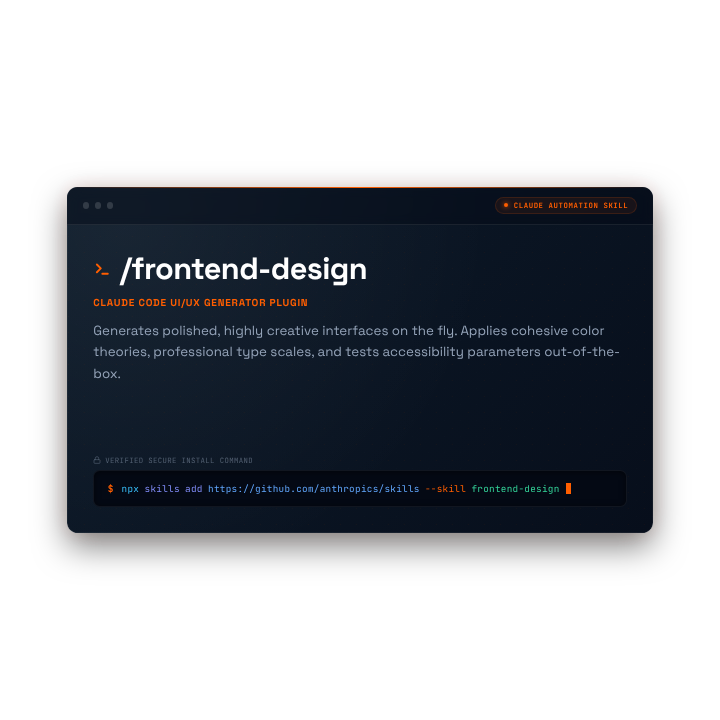
Claude Code Skill Terminal Card
2
Cyberpunk Hacker Text Scramble Effect
116Callout types
- Arrows that bounce or draw themselves
- Underline and highlight strokes for key words
- Circles and boxes around screen details
- Hand-drawn doodles and sketch marks
Use them with purpose
One callout at a time, on screen for just long enough to land. Match the stroke colour to your brand so the pointer looks intentional, not stuck on.
Export ProRes 4444 for Premiere Pro, DaVinci Resolve and Final Cut Pro, and WebM with alpha for OBS and the web. Transparent WebM can show glow or shadow artifacts in CapCut, so preview it there first.
Browse every category
- Free Subscribe Button Animations
- Free Like Button Animations
- Free Social Media Video Overlays
- Free Video Transitions
- Free Lower Third Animations
- Free Video Overlays
- Free Animated Video Backgrounds
- Free Text Animations
- Free Countdown Timer Animations
- Free Progress Bar Animations
- Free Notification Animations
- Free Logo Intro Animations
- Free Particle & VFX Animations
- Free Animated Frames & Borders
- Free Call-to-Action Animations
- Free Miscellaneous Video Assets
Explore more overlays and effects
- Video Overlays
- Video Effects
- WebM
- ProRes 4444
- AI Video Effects Generator
- AI Video Overlay Generator
- Overlays
- Subscribe Button Animations
- Motion Backgrounds
- Outro Animations
- Chromatic Aberration
- Timer Overlay
- Logo Animation
- AI Animation Generator
- Intro Maker
- Stream Alerts
- Kinetic Typography
- VHS Overlay
- Loading Animations
- AI Video Generator
- Particle Overlays
- Glitch Effect
- Motion Graphics
- After Effects Template Alternative
- CapCut Effects
- TikTok Overlays
- Green Screen Effects
- Transparent Video
- Magic & Sparkle Effects
- Light Leaks & Film Overlays
- Glitch Text Generator
- OBS Overlays
- Stream Overlays
- Starting Soon Screens
- Webcam Overlays
Frequently asked questions
Are the callouts free?
+
A free account can download one Community asset per day with a watermark.
Can I change the colour and position?
+
Editable assets let you adjust colours and layout; place and scale the clip in your editor.
Are they transparent?
+
Yes. WebM with alpha and ProRes 4444.
Can I request a hand-drawn style?
+
Yes. Describe the style in a prompt and generate it with a token pack.
Get free animated callouts
Download one Community asset per day for free with a watermark, or use a paid token pack for downloads without watermarks and AI generation.
1 free Community asset download per day with a watermark, no tokens needed. No credit card required.
Related pages
Call-to-action library
Buttons and prompts.
Read moreKinetic typography
Animated text.
Read moreMotion graphics
All motion graphics.
Read moreOverlays
Every overlay type.
Read moreOverlays for short-form creators
Workflow guide.
Read moreFor social media managers
Overlays for brand channels.
Read moreFor educators
Callouts and graphics for lessons.
Read moreTikTok overlays
Vertical overlays for short-form.
Read more