Scribble Glitch Title Editable Free
Free text animations asset, editable in your browser
- 1 free download/day · With a watermark
- Editable text, colors & timing
- WebM + ProRes 4444
- True alpha transparency
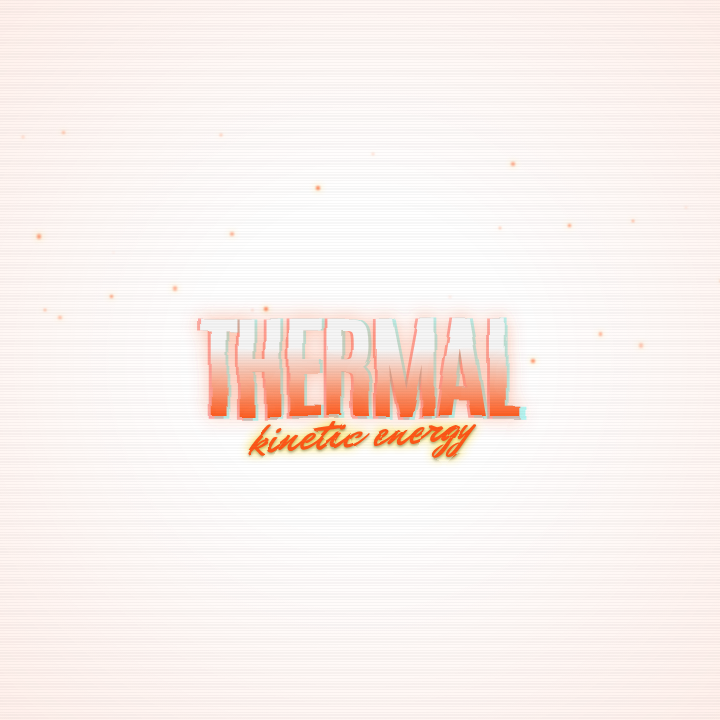
A dynamic title animation featuring a hand-drawn marker scribble, color-glitch effects, and playful doodle accents. It is ideal for high-energy video intros and attention-grabbing text overlays.
Technical Details
Live Configuration Preview
Try customizing this asset. Changes will update the preview instantly.
Ready to use your customized asset?
Sign up to save this configured asset to your workspace and use your free daily download with a watermark.
How to use this asset and frequently asked questions
Free to customize and download
This text animations asset is free to add to your workspace and free to edit — adjust its text, colors, timing and layout before you export. Free accounts include one free render per day with a watermark. Export ProRes 4444 for the widest professional editor compatibility, or WebM for OBS and web use. Transparent WebM can show glow or shadow artifacts in CapCut. No AI tokens are required for the daily Community render.
How to use this asset+
This 1080x1920 transparent video asset is 3 seconds long and exports in WebM (with alpha channel) and ProRes 4444 formats.
Premiere Pro: Place on a track above your footage in the timeline. Use Effect Controls > Motion > Position to place text at your target screen location. Use Time Remapping to speed up or slow down the animation.
DaVinci Resolve: Drop on a track above footage in the Edit page. Use the Inspector > Transform panel for position adjustments. For advanced tweaks, open the Fusion page to modify text node properties.
Final Cut Pro: Add above your primary storyline. Click the clip in the Inspector to reveal text parameters. Use the Transform tool in the viewer to reposition.
CapCut: Add as an overlay. Tap the text layer to edit content. Use the canvas handles to position, and the timeline to set duration.
Tips
- Time the text entrance to match a word or beat in your voiceover — synchronized text and audio is more impactful than offset placement.
- Keep text on screen long enough to read it twice. A rough rule: 1 second per 3 words minimum.
- Use glitch or distortion text animations for emphasis moments rather than continuously — sparingly used effects have more impact.
Frequently asked questions+
Can I change the text content in a text animation?
Yes — use the workspace editor before rendering. All text fields are exposed as configurable parameters.
Can I use glitch text animations on a transparent background?
Yes. These export as WebM with alpha channel, so you can composite over any background or footage without a solid fill.
How do I sync text animations with my voiceover?
Set the in-point of the text clip in your timeline to match the spoken word in your audio. Nudge by individual frames for tight sync.
Is this asset free to use?
Yes. You can add and customize community assets for free, then download one rendered WebM or ProRes 4444 clip per day with a watermark to use in your video projects. Exporting an asset as an editable DaVinci Resolve title is a separate paid unlock.
Can I customize this asset?
Use the live configuration above to preview changes, then sign up for a free account to add this asset to your workspace. From there you can edit colors, text, timing, and other properties before rendering.
What formats are available?
Rendered clips are available as WebM with alpha channel and ProRes 4444. Both include true transparency for clean compositing in your timeline. Assets with supported text, color, number and on/off settings can also be exported as editable DaVinci Resolve 21+ titles (.drfx).